

Featured Article:



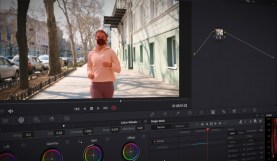
A Focus on Resolve 17’s New Masking Tool: Magic Mask
DaVinci Resolve adds an Adobe-like masking feature that’s just made isolation grading extremely easy: Magic Mask.
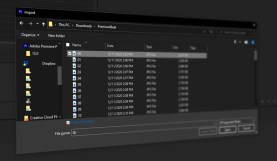
Create a Video Timelapse from an Image Sequence in Premiere Pro
Turn a collection or sequence of photos into a timelapse segment with just a few clicks in Adobe Premiere Pro.

Cinematography Tips for Covering Your Master Shot
Let’s explore the all-important “master shot” and how you can use it to tie the rest of your cinematic tapestry together.

Royalty Free Music and Other Tips to Protect Your Twitch Channel
As Twitch cracks down on streamers using copyrighted music, here’s how you can avoid having your content deleted.

Industry Insights: An Interview with Composer Guillaume Roussel
From the talkies to virtual reality, composer Guillaume Roussel talks with PremiumBeat about his process when scoring a film.

Why Filmmakers Should Always Watch the Director’s Cut
Take a look into famous “director’s cuts” and what filmmakers can learn from watching movies the way they were meant to be seen.

Editing With DaVinci Resolve Speed Editor
See where the Davinci Resolve Speed Editor fills in the gaps left by the DaVinci Resolve Keyboard and how it can speed up your workflow.

PremiumBeat vs. Epidemic Sound
PremiumBeat vs. Epidemic Sound — let’s compare library size, contributors, pricing, licensing, and more.

How to Make a Lower Thirds Template That You Can Reuse Anywhere
Learn how to make a lower thirds template that you can easily customize and reuse with any project. Let’s get started.

Interview: Shooting a Parody Commercial with the Foo Fighters
We chat with DP Michael Dallatorre about working with Dave Grohl on this hilarious parody of pharmaceutical commercials.

The Best 360-Degree Cameras Currently on the Market
Explore this roundup of the best 360-degree cameras currently out there for all your VR filmmaking and video production needs.

Here’s What You Need to Know About Foil Characters
A foil character’s contrasting personality holds up a mirror to their counterpart. Learn more about using this storytelling device.