
Posts Tagged ‘tutorial’

Create a Freeze Frame Title Sequence for Show Openers
Learn how to design and animate a freeze frame title animation for your next project — all inside of Adobe After Effects.

Creating an Interconnected Icon Tree in After Effects + 30 Free Icons
Learn how to make an interconnected icon tree using 30 FREE animated icons in After Effects.
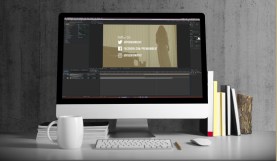
Create a Social Media Bumper and Lower Third for Your Videos
Learn how to showcase your social media platforms using a social media bumper and lower thirds using After Effects in this video tutorial.
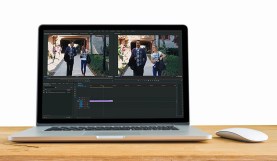
Fix Shaky Footage with Warp Stabilizer in Premiere Pro
You can now stabilize your shaky footage without having to leave Adobe Premiere Pro. Here’s how you can best use the Warp Stabilizer effect.

How to Create Audio Reaction Effects
Sync your video effects to any audio with this easy-to-follow video tutorial.

Add Depth with the Parallax Effect in After Effects
Learn how to design and animate a parallax effect inside After Effects.

Using Collect Files to Share an After Effects Project
Learn how to properly use the Collect Files function in Adobe After Effects with this helpful video tutor

Create a Glow Warp Title Transition Inspired by Marvel’s Thor: Ragnarok
Learn how to create Marvel’s glow warp title transition from the new Thor: Ragnarok trailer.

Color Grading Footage in After Effects with Lumetri
Learn how to color correct your video with the new Lumetri Scopes in After Effects.
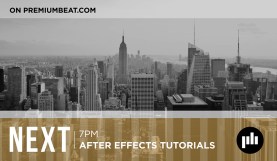
How to Create Broadcast Graphics in After Effects
Learn how to design and create broadcast graphics for TV shows in Adobe After Effects.

Create Animated Titles for Wedding Videos in After Effects
Learn how to design wedding titles for highlight reels in Adobe After Effects.

5 Faster Editing Tips for Premiere Pro + Free Footage
Shift your editing into overdrive with these 5 awesome Premiere Pro tips.