FCPX Bug? Best Practices for Using External Hard Drives with Final Cut Pro X

Many FCPX users are experiencing troubles when attempting to use external hard drives in Final Cut Pro X. Apple’s Time Machine backups may be the cause of this problem.
As we’ve discussed in great length here on the blog, Apple has some definite kinks to work out of Final Cut Pro X. Version 1.0 applications are not without their bugs..and this one seems to be effecting a large number of FCPX users.
Many editors have noted that when they launch FCPX their external drive(s) will appear in the Events Library or Project Library and then quickly disappear.
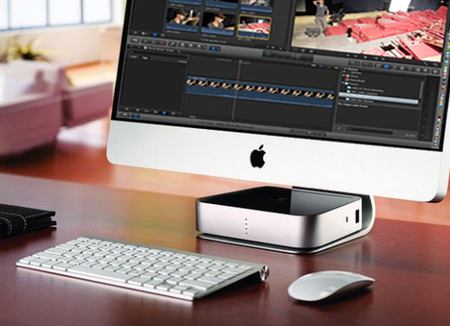
Obviously, it’s imperative that you can store projects and media on external devices for use in Final Cut Pro X. So, here’s the scoop for getting your external drive to “play well” with FCPX….
For many users it appears the issue has to do with using the same drive for storing media as they do for Time Machine backups (Apple’s computer backup solution). You cannot have time machine backups on your hard drive if you intend to use it in FCPX. For whatever reason, FCPX seems to be ignoring drives that have Time Machine backup archives on them. If you’re experiencing this issue it may be as simple as trashing the backups and trying again, however others have reported the need to reformat or simply get a new drive.
FCPX power user Andy Nick offered up some other suggestions over on the Apple discussion forums that may also increase your success of using hard drives in FCPX:
- The drive you use for events and projects must be formatted either ‘Mac OS Extended’, or ‘Mac OS Extended (journaled)’. You can modify the formatting of your disc through the Disk Utility application (included on all Macs).
- Your drive should be Firewire (not USB).
- You cannot have the same projects and/or events on two mounted drives. If so, FCP X will ignore one drive.
- Projects/events must reside in the root of the drive (not within another folder).
It’s common practice (and quite logical) to store large amounts of video media and supporting edit files on external devices. It’s imperative that Apple address this issue in an update to FCPX. Until then, follow these tips to most successfully use external hard drives with Final Cut Pro X!