
After Effects
Discover the latest tips, updates and motion design tutorials for Adobe After Effects.

Video Tutorial: How to Make a News Ticker in After Effects
Create a news ticker in After Effects! Learn how to create the news ticker look you see on the BBC, CNN and ESPN.
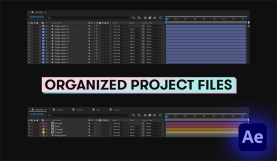
4 Clever Tips for Organizing Your After Effects Project
Get organized and stay that way with a few fantastic workflow organization hacks that can help you blast through any project.
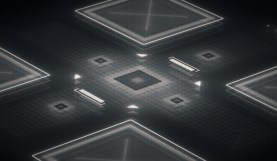
Tips for Animating User Interface (UI) in After Effects
What is UI design, exactly? And, how can we animate it? Here are a few tips covering UI animation and design.
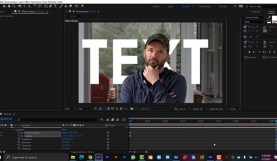
5 Ways to Punch Up a Boring Shot with the Rotobrush
In this tutorial, I’m going to show you how to add life to a static shot with this powerful After Effects tool. When you rotoscope, you’re essentially …

Create a Video Conference Call Glitch Effect in After Effects
In this video tutorial, we’ll learn how to create a realistic lag-glitch effect, commonly seen on video conference calls. For After Effects.

4 After Effects Creators You Should be Following on YouTube
With so many AE tutorials out there, it’s tough to narrow down your options. Skip the search and up your AE game when you subscribe to these …

A Complete Guide on How to Get the Bokeh Effect
Let’s explore the different methods you can use on your next project to create beautiful bokeh effects in your footage.

Fusion vs. After Effects: Which One Is Right for You?
Take a look at the differences between Fusion and After Effects, so you can decide which one is right for you. Let’s go!

Using the Pick Whip for Motion Graphics in Adobe After Effects
The Pick Whip is a motion graphics game-changing tool in Adobe After Effects. Let’s explore what it does and how to use it.
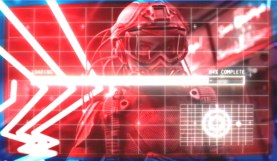
Create a Cyberpunk 2077-Inspired Boot-up Display in After Effects
Find yourself gawking at some of the elements in the latest video game from CD Projekt RED? Replicate a similar effect in After Effects.
Create Animated Titles in After Effects
Learn how to design animated corporate titles in After Effects for your video production projects.

Animate Your Logo with this After Effects Ripple Effect
Want to add punch to your logo animation? Check out this After Effects tutorial showing you how to create a cool ripple effect!