
Posts Tagged ‘color correction’
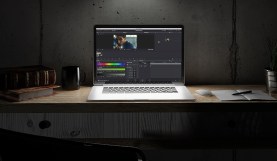
DaVinci Resolve Tip: Use Color Keys to Fix White Balance
Fixing color issues when working with mixed color temperature footage can be simplified utilizing color keys in DaVinci Resolve.

Insights from Pro Colorist Rob Bessette
What does it take to break into the big leagues? Are there advantages to working freelance versus taking a job at a big color house? Gain real-world …

Using Premiere to Make Your Video Look Cinematic in 30 Seconds
Have video footage that needs to look more Hollywood? Follow these three simple steps to make your video look cinematic in no time!

Grading Insights From Pro Colorist Patrick Inhofer
We sat down with colorist Patrick Inhofer to discuss his color grading process and how new colorists can jump into the color industry.
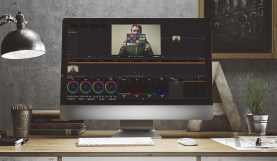
DaVinci Resolve Tip: Using a Color Chart to Match Your Shots
Color correction can be a very frustrating process for those without much post-production experience, but using a color chart on set can make things much easier in …
How to Avoid Sepia Looks While Warming up Footage in Post
When attempting to warm up footage in post, many inexperienced colorists will take a wrong turn and wind up giving their footage a sepia look. Here’s how …
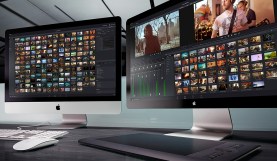
The Video Editor’s Guide to Color Grading
Increasingly, video editors are color grading on laptops and desktops instead of utilizing accurate, calibrated displays. Here’s how to make this reality work for you.
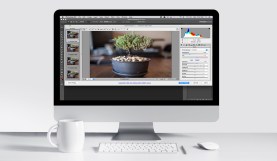
Photoshop Quick Tip: Color Correcting an Image Sequence
Although many software platforms have the capability to edit and color RAW media natively, sometimes Photoshop might be the best tool for the job.

Color Grading Insight From Pro Colorist Alexis Van Hurkman
We interviewed pro colorist Alexis Van Hurkman and asked him to share how an aspiring colorist can tap into the competitive world of color grading.
Replacing Your Adobe Creative Cloud Subscription for Under $100
For video editors looking for an alternative to their Adobe Creative Cloud subscription, these apps offer similar functionality at a much lower price point.
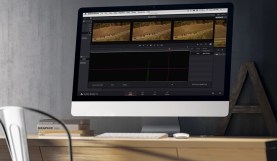
DaVinci Resolve Tip: Use an EDL and Scene Cut Detection to Set up a Project
For long-form DaVinci Resolve projects, one of the easiest ways to get up and running involves using the powerful scene cut detection feature.
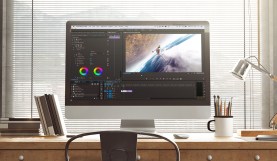
Quick Tip: Applying LUTs to Footage in Premiere Pro
Need to apply a LUT to your footage? No problem. Here’s how it’s done in Premiere Pro.