

Jason Boone
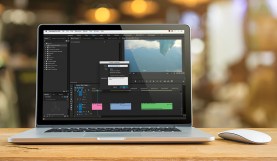
Video Tutorial: Working With Photoshop Files in Premiere Pro
As with all Adobe products, Premiere and Photoshop work well together. Learn how to easily work with layered Photoshop files in Premiere Pro to create a simple …
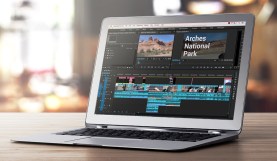
Video Tutorial: Customize the Premiere Pro Timeline
The Premiere Pro timeline panel is where you’ll spend most of your time when editing video, so why not learn how to make it perfect for you? …
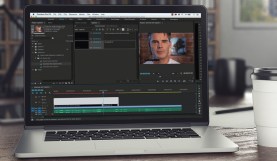
Easily Create Captions in Adobe Premiere Pro
Creating captions can be a tedious process — but with Adobe Premiere Pro, you can easily create both open and closed captions, all from within the program. …
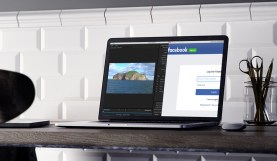
Export Premiere Pro Projects Straight to Social Media
It’s time to get social. Learn how to publish straight to various social media accounts from within Premiere Pro.

The Point-and-Shoot Camera: Your Documentary Secret Weapon
Here are three reasons why every documentary filmmaker should have a point-and-shoot camera in their arsenal.
Use Track Targeting to Navigate Premiere Pro’s Timeline
Speed up your Premiere Pro post-production workflow with the power of track targeting.
5 Standout Features from the Premiere Pro 2015.3 Update
Premiere Pro 2015.3 is packed with a long list of great new updates. Here are a few that stand out.

Beginner’s Guide to Premiere Pro Keyboard Shortcuts
Learning some fundamental Premiere Pro keyboard shortcuts will help kickstart your video editing experience. Let’s look at the basics.
The 3 Ingredients of a Thrilling “Gear Up” Montage
The “gear up” montage is a fantastic way to prime your audience for action. Send the hero of your next project into battle with three simple ingredients.
Unleash the Power of the Premiere Pro Project Panel
Staying organized is key for becoming a faster and more efficient editor. Here are a few ways to customize your Premiere Pro project panel for your specific …