

Jason Boone

Harnessing the Power of Metadata in Premiere Pro
Utilizing metadata in Adobe Premiere Pro is a fantastic way to stay organized and streamline your video editing workflow.
Create a Simple Submix in Adobe Premiere Pro
Need to apply audio and effect changes to multiple audio tracks — all at the same time? No problem. Follow these steps to create a submix in …

Harness the Power of the Alt Key in Premiere Pro
Learn how to harness the power of the Alt key to drastically speed up your Premiere Pro video editing workflow.
Video Tutorial: Time Remapping in Premiere Pro
Master the fine art of Time Remapping in Premiere Pro by controlling and manipulating Speed Keyframes.
5 Tips to Organize and Customize Premiere Pro
These five tips will help you organize and customize Adobe Premiere Pro to your own personal preference.
How to Create Export Presets in Premiere Pro
Streamline your video editing workflow by creating custom export presets in Premiere Pro. It only takes three simple steps!
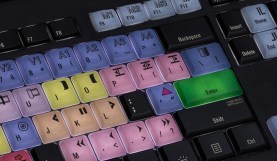
The Video Editor’s Holiday Wish List
Without a doubt, some people are hard to buy for. Luckily, video editors are always in need of tools and toys that complement their workflow and workspace. …
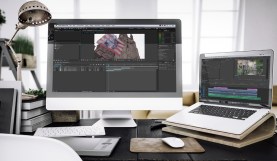
Move Assets Between Premiere Pro and After Effects
Find out how to easily move your media assets between Adobe Premiere Pro and After Effects without dynamic linking.
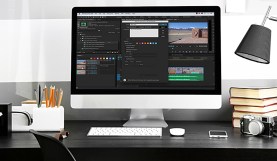
Video Tutorial: 5 Ways to Use Markers in Premiere Pro
Make your video editing projects infinitely more manageable by utilizing markers in Premiere Pro. Here’s how to go about it.
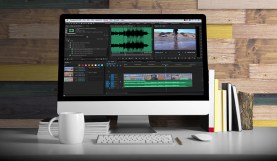
How to Perfectly Time Your Music in Premiere Pro
Learn how to perfectly edit and time your music tracks in Adobe Premiere Pro.
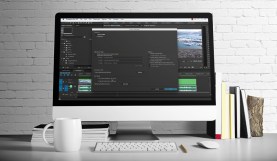
Archive Your Project With the Premiere Pro Project Manager
Learn how to archive and share your projects with the helpful Adobe Premiere Pro Project Manager.

Create Custom Effect Presets in Premiere Pro
Create custom effect presets in Premiere Pro with these simple steps. Your workflow will thank you.