
Motion Graphics
Tutorials, tips and inspiration for motion graphics creation in After Effects, Cinema 4D and Motion.

13 Fusion Tutorials Every Motion Designer Should Watch
New to Blackmagic Fusion? Get inspired and level up your skills with these must-watch Fusion tutorials.

How to Create Heat Waves in After Effects
Learn how to create displaced heat waves in After Effects with this easy-to-learn technique.
Create an Energized Molecule Effect in After Effects
Use built-in effects to create an energized molecule effect in this exclusive After Effects tutorial!
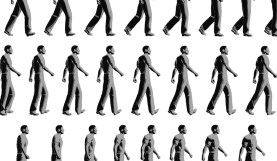
Walk Cycle Tutorials and Inspiration in After Effects
Take a leisurely stroll through this series of awesome walk cycle tutorials for After Effects.
Create a 3D Animated Logo in Cinema 4D and After Effects
Let’s learn how to turn a flat 2D image into a 3D animated logo with Cinema 4D and After Effects. Whether it’s for a customer project or for your …
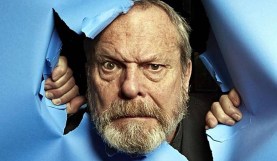
Artist Highlight: The Genius Insanity of Terry Gilliam
Explore the singular vision and bold work of director Terry Gilliam, from Monty Python’s Flying Circus to The Zero Theorem.

7 Places to Find Free Light Leaks
Light leaks can add a vintage charm to you videos or allow you to cover up rough edits. Here are some great places to get free light …
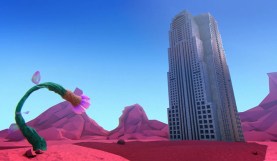
Learn to Create an Animated Short Film in 10 Parts
Learn how to create an animated short film from scratch with these comprehensive free tutorials!

How Circle Bursts Can Enhance Your Motion Design
How can circle bursts transform your motion design? Let’s take a 360 degree look.
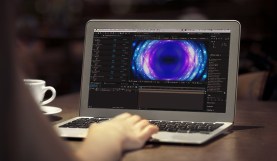
How Awesome Tutorials Create Harmful Expectations
Tutorials are a great way to learn something new, but at what point does an awesome tutorial go from being a good thing to a bad thing?
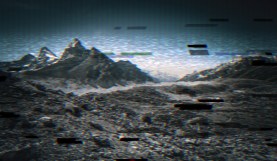
8 Ways to Create Digital Distortion in After Effects
Make your footage the right kind of messy! These 8 tools are a great way to add digital distortion in After Effects.
Workflow Tip: Storyboard Your Animations in Adobe Illustrator
Doing an involved motion graphics piece? Use Illustrator to create your storyboards and style frames, setting you up to easily move to After Effects!