

Advice for New Cinematographers
Give your career a boost with expert advice from legendary cinematographers. In this post we’ve rounded up videos from several Hollywood legends.

How to Make Voiceovers Sound Better in Audition
Want your audio to sound professional? Learn how to clean up your voiceovers in this Adobe Audition video tutorial.

The Beautiful Cinematography Behind the ‘Human Technology’ Process Doc
‘Human Technology’ shows the hands-on process of creating a Beretta gun. We asked cinematographer Mauro Chiarello a few questions about his work.

PremiumBeat Joins Shutterstock
After months of hard work, we’re ecstatic to make it public…PremiumBeat is uniting with Shutterstock, the world’s largest and most vibrant two-sided marketplace for creative professionals to …
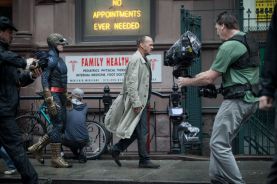
‘Birdman’ and the Art of the Long Take
We take a look at the work of cinematographer Emmanuel Lubezki and the art of the long take for his recent project, Birdman.

Apple Patent Hints at a GoPro Style Camera
Apple’s latest patent showcases a GoPro style camera. Is this Apple’s next hardware play or simply an IP that will be Frankensteined into other products?
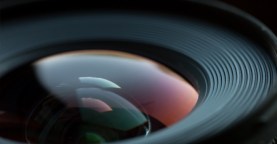
How to Create a DIY Macro Tube That Actually Works
Learn how to create a DIY macro tube in this video tutorial from Makify.
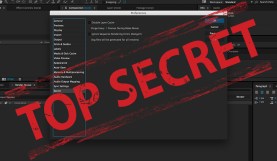
Navigating the After Effects Secret Menu
Did you know there is a secret menu in After Effects that can unlock hidden features? Find out what it does and where to find it in …
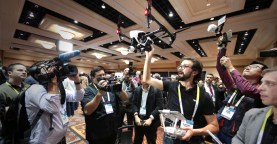
5 Trends That Filmmakers and Video Pros Should Be Following
We take a look back at the 2015 Consumer Electronics Show and present you with 5 products and trends ever filmmaker should be aware of.

The Isolated Color Look in DaVinci Resolve
The isolated color look is a unique color grading look used to great effect in movies like Pleasantville and Sin City. It involves keeping one or several …

5 Tips For Getting Great Film/Video Locations For Free
Skimping on location can leave your film feeling amateurish and cheap. Here’s how you can get A-list locations for next to nothing!
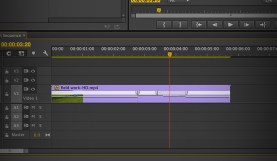
3 Approaches for Time-Remapping in Adobe Premiere Pro
The following 3 methods are an easy way to manipulate clip speed in Premiere.