Animate Your Logo with this After Effects Ripple Effect

Want to add punch to your logo animation? Check out this After Effects tutorial showing you how to create a cool ripple effect!
Learn how to simulate a ripple effect using the tools within Adobe After Effects. In the tutorials below, we’ll learn how to work with logo animation (in general), then dive into how this animation gives the impression that the flying logo causes the background to create ripples—much like what would happen if you tossed something into a pool of water.
How to Animate a Logo
Now that you’ve covered all the bases for movement inside your logo—whether it be individual vectors or the logo as a whole—we can move on to learning how to create and customize a ripple/water-like effect.
Customize a Ripple Effect
This video tutorial clearly lays out the steps to create this effect. However, (obviously) familiarity with After Effects is a big plus as he breezes quickly through each step.
As you can see, all it takes is a few simple steps using the Radio Waves effects built into After Effects. By playing with the Stroke and Water effect, you can seamlessly create the ripple effect as if the title were laying on the surface of a liquid.
Creating Titles and Track Mattes
Now, if you’re wanting to take a further dip into how you can manipulate your titles and logos through track mattes and other elements (like stock footage), check out Charles Yeager’s deep dive into everything you can do with Titles and Track Mattes.
Be sure to check out the PremiumBeat After Effects archive for plenty of AE tips, tricks, and techniques. If you’re searching for elements like light leaks, lens flares, dust overlays, or volumetric lighting, check out our stacked library of assets at Shutterstock Elements.
For additional information on creating graphics and animations, check out these articles:
- 10 FREE Motion Graphics Templates for Premiere Pro (Animated Titles)
- 5 Keyframe Animations Every Video Editor Should Know
- Free Design Elements for Motion Graphics Artists
- How to Create Dynamic and Fun Line Boil Animations
- Free Vaporwave and Synthwave Graphics for Your Next Project
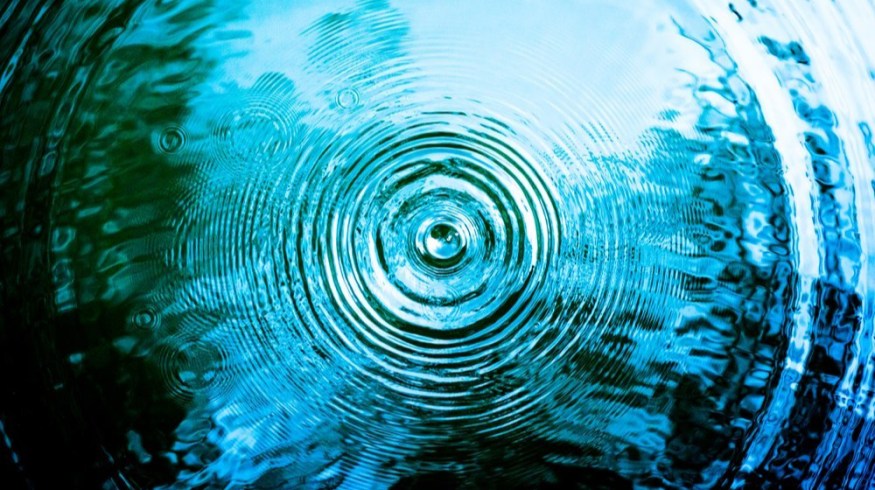
Cover image via YJ.K.