
Final Cut Pro X
Discover the latest video editing tutorials and tips for Final Cut Pro X.

Final Cut Pro X Video Tutorial: Keyboard Shortcuts for Color Correction
You probably already use keyboard shortcuts to speed up your editing process, but did you know you can use keyboard shortcuts to color correct too? In the …
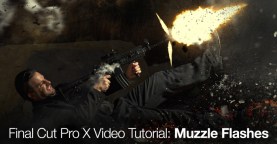
Final Cut Pro X Video Tutorial: Muzzle Flashes
Don’t pay for muzzle flash effects! Learn how to create realistic muzzle flashes in this FCPX video series.
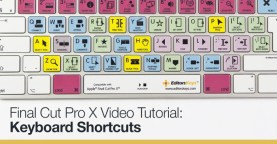
Final Cut Pro X Video Tutorial: Keyboard Shortcuts
Cut your editing time in half with keyboard shortcuts. This video tutorial provides a ton of insight for working with shortcuts in Final Cut Pro X.
FCPX Video Tutorial: Replacing and Relinking Graphics
Don’t get bogged down replacing each graphic individually. Learn how to use the replace and relink graphics function in FCPX
Final Cut Pro X Video Tutorial: Tilt-Shift Effect
Learn how to make an animated tilt-shift effect in this Final Cut Pro X video tutorial.

Final Cut Pro Video Tutorial: Creating a Diskless DVD
Learn how to create video files that play like DVD’s in this FCPX video tutorial.
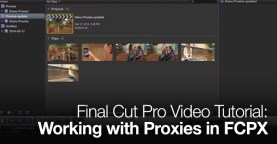
Final Cut Pro Video Tutorial: Working with Proxies in FCPX
In this video tutorial by MacBreak Studio, Steve and Mark show us how to work with proxies in FCPX.
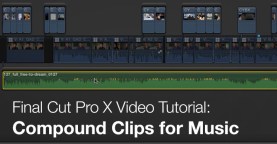
Final Cut Pro X Video Tutorial: Compound Clips for Music
Working with music in FCPX? In this exclusive Final Cut Pro X video tutorial we share a trick for quickly replacing temp tracks with final versions.
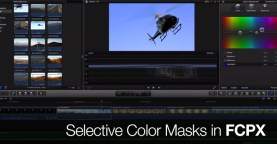
Selective Color Masks in FCPX
In this video tutorial by MacBreak Studio, Steve and Mark show us how to create selective color masks in FCPX.
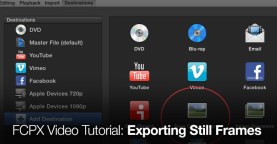
FCPX Video Tutorial: Exporting Still Frames
In this video tutorial by MacBreak Studio , Steve and Mark show us how to export still frames in FCPX.
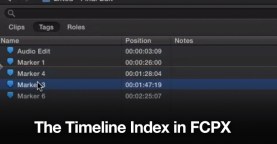
The Timeline Index in FCPX
Sort through your tagged footage with the Timeline Index in FCPX.
Using FCPX in a Shared Workflow
Make the most of FCPX in a collaborative workflow with these useful guides to shared editing.